Building an Effective Content Calendar: Examples for Instagram and LinkedIn


Why You Need a Content Calendar
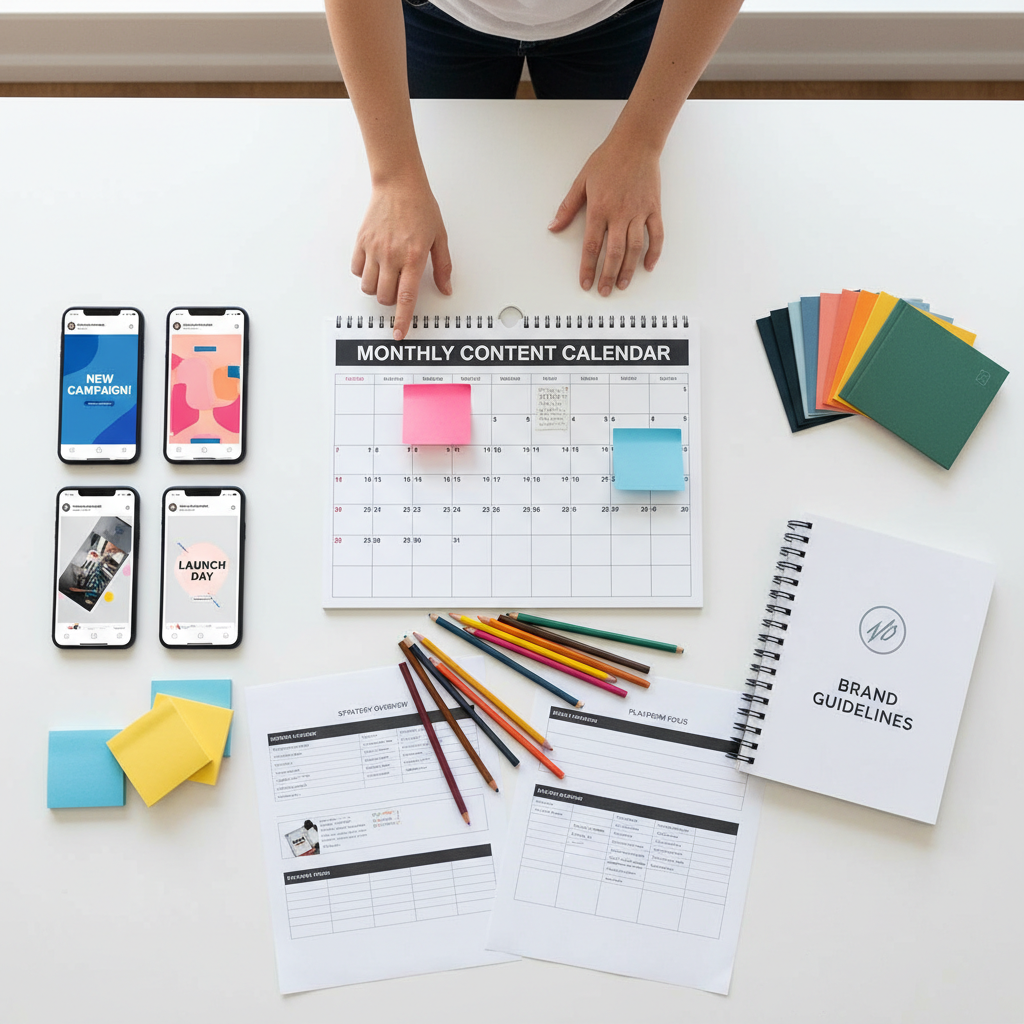
Creating an effective content calendar is crucial for managing your social media presence. It helps streamline your content creation process, ensuring consistency and strategic alignment with your business goals. A well-structured calendar also aids in tracking performance and making data-driven adjustments.
For platforms like Instagram and LinkedIn, a content calendar can help in planning diverse content types, such as images, videos, and articles, to engage different audience segments. By mapping out your content in advance, you can maintain a consistent posting schedule and maximize reach.
Understanding Your Audience
Before building your content calendar, it's essential to understand your audience. This involves identifying their preferences, behaviors, and the type of content they engage with the most. For Instagram, this might mean vibrant visuals and engaging captions, while LinkedIn might require more professional and informative posts.
Use audience insights tools provided by these platforms to gather data. Tailor your content to meet your audience's needs, enhancing engagement and fostering community growth.
Setting Goals and Objectives
Define clear goals for your content calendar. Are you aiming to increase brand awareness, drive website traffic, or boost sales? Each objective will require a different content strategy. Setting measurable goals allows you to track progress and adjust your tactics as needed.
Building Your Instagram Content Calendar
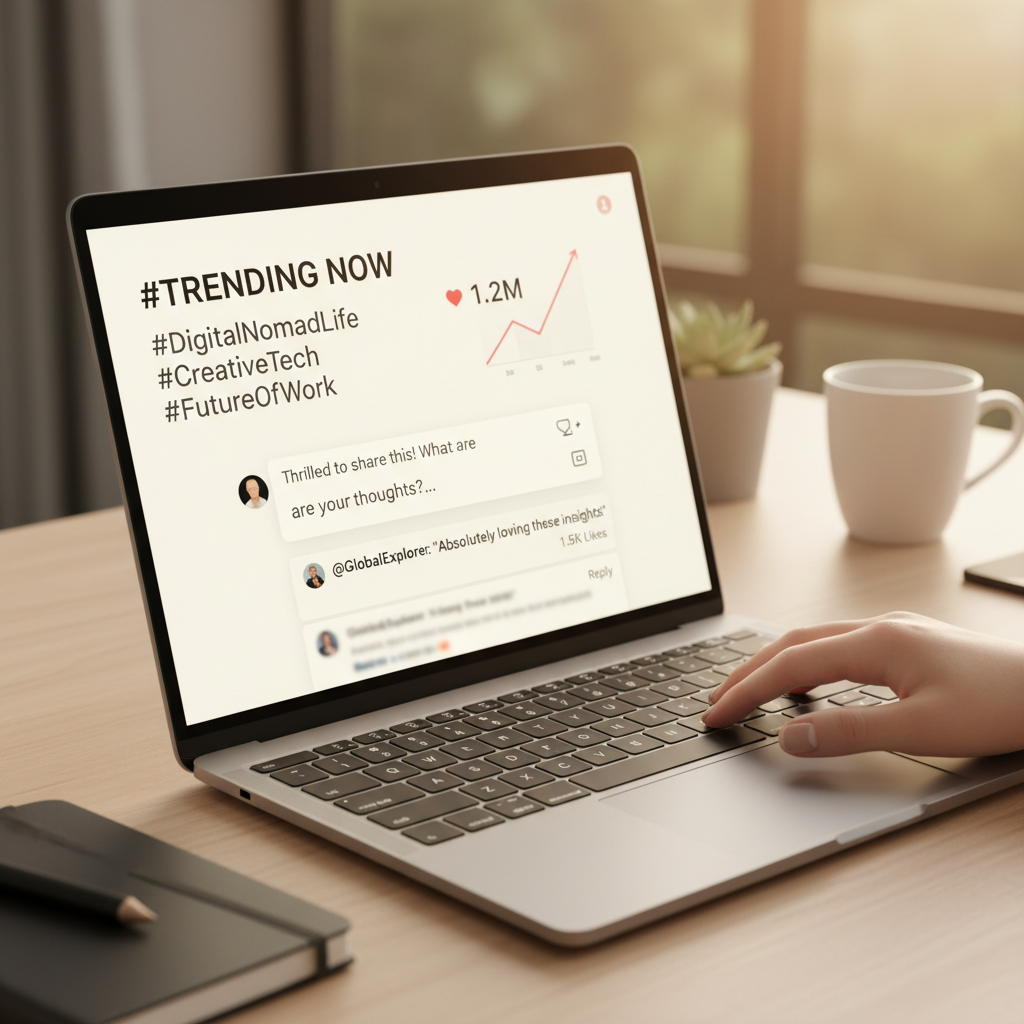
For Instagram, focus on visual storytelling. Plan a mix of posts, including photos, videos, Stories, and Reels. Use a theme to maintain visual consistency and strengthen brand identity. Consider the following structure:
- Monday: Motivational quotes or brand stories
- Wednesday: Product features or behind-the-scenes content
- Friday: User-generated content or community highlights
Engage your audience by using interactive features like polls or questions in Stories. Consistency in posting times can also improve visibility and engagement rates.
Crafting a LinkedIn Content Calendar
LinkedIn requires a more professional approach. Focus on thought leadership by sharing insightful articles, industry news, and case studies. Here's a sample structure:
- Tuesday: Industry insights or company news
- Thursday: Employee spotlights or customer testimonials
- Saturday: Educational content or how-to guides
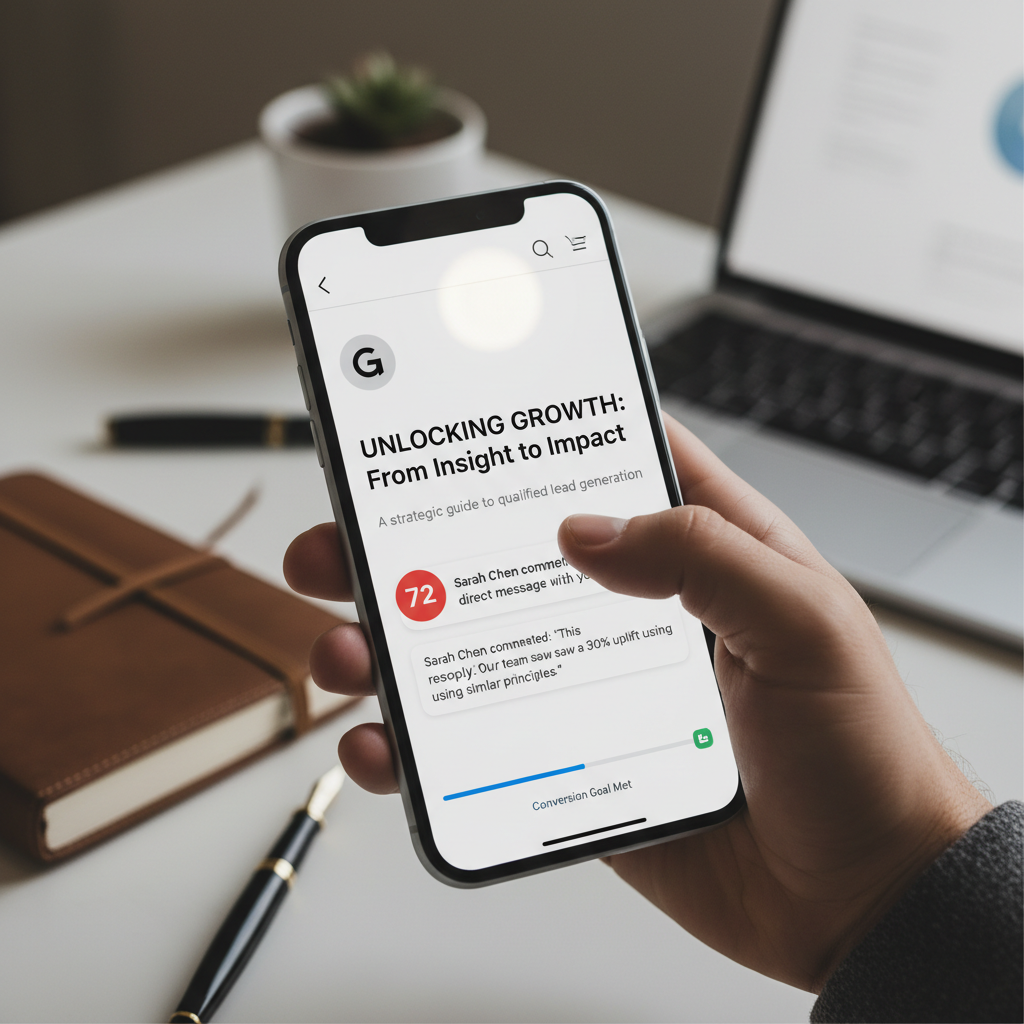
Engage with your network by participating in discussions and commenting on relevant posts. This not only enhances visibility but also positions your brand as a thought leader.
Tools and Resources
Utilize tools like Hootsuite, Buffer, or Later to schedule posts and manage your content calendar efficiently. These platforms offer analytics features to track performance and optimize your strategy. Additionally, consider using design tools like Canva for creating eye-catching visuals.
By leveraging these tools, you can focus more on content quality and audience engagement rather than the intricacies of posting schedules.
Reviewing and Adjusting Your Content Calendar
Regularly review your content calendar to assess its effectiveness. Analyze engagement metrics, such as likes, shares, and comments, to understand what content resonates with your audience. Be prepared to make adjustments based on this data to improve your strategy continuously.

By staying flexible and responsive to your audience's needs, you can ensure the long-term success of your social media strategy, ultimately leading to increased brand loyalty and growth.